A return is a claim until you approve it.
Buyers submit returns with a reason. You approve or reject them. Only an approval touches money — and when it does, the payout correction is exact.
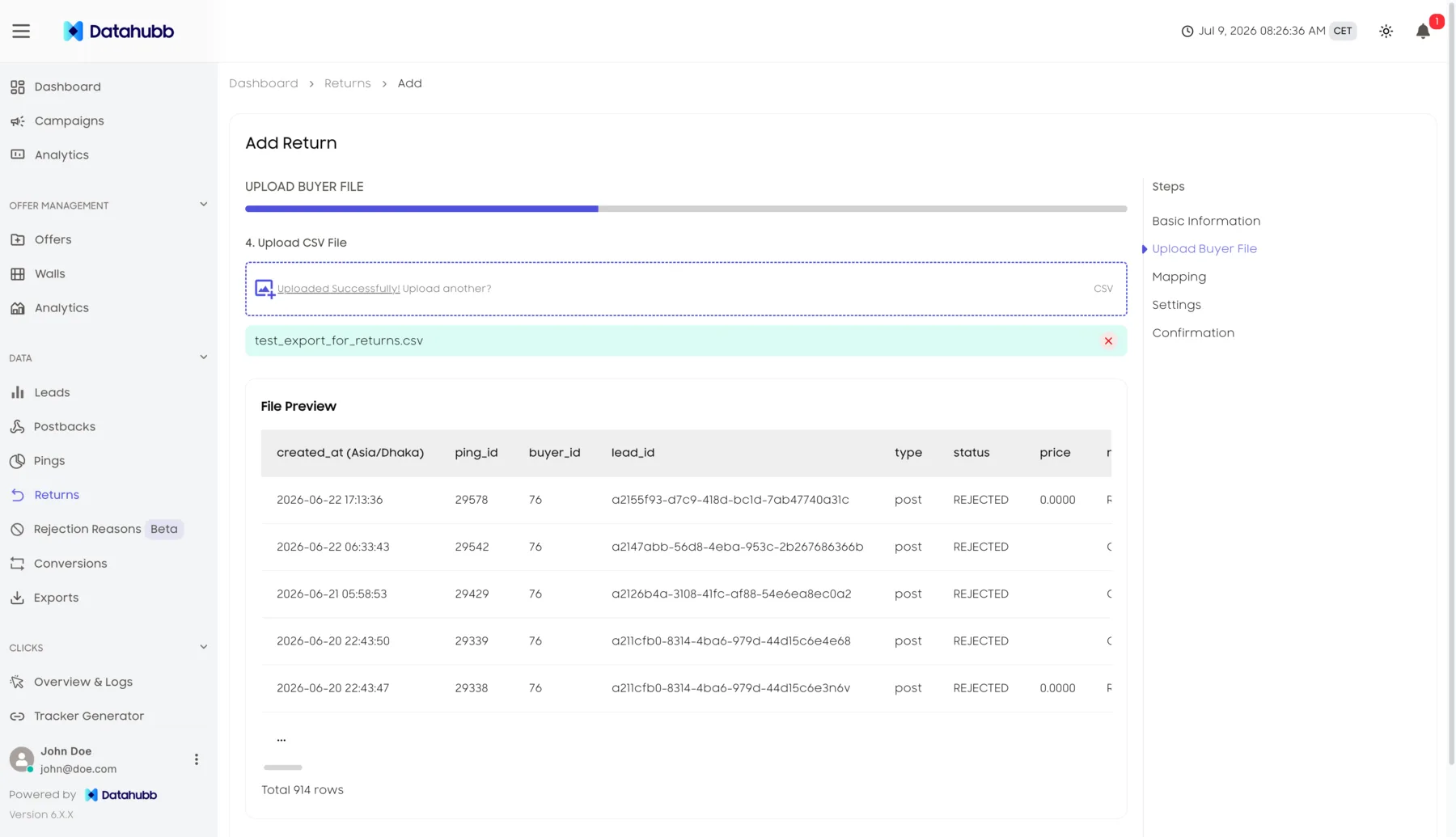
Nobody returns a lead by uploading a spreadsheet
A return starts with the buyer. They submit a request against a lead they bought and say why. It lands in your queue as Pending, where it sits — costing you nothing and changing nothing — until an admin makes a call on it. Approve, and the sale is reversed, the payouts are corrected, and the lead is marked returned. Reject, and it is as if it never arrived.
- Pending, Approved, Rejected — three states, and only one of them moves money
- The buyer’s reason travels with the request, so you are deciding on something specific
- Approval reverses the ledger, marks the lead RETURNED, and can postback the traffic source
Reject changes nothing — the lead and the ledger stay exactly as they were.
Subtract the slice, not the whole lead
A lead can sell more than once. So when one of its sales comes back, the source’s payout has to lose exactly what that sale added and nothing else. The correction is applied as a delta — each transition contributing its own amount, atomically — rather than recomputing the payout from scratch and hoping the arithmetic lands. It is floored at zero, so a correction can never leave a source owing you money.
- GREATEST(0, source_payout + delta) — the floor is not a rounding detail, it is the guarantee
- Two confirmations on different sales of the same lead cannot overwrite each other
- Bulk CSV returns run through the same math, one delta per lead, not one overwrite per file
Floored at zero: a correction can subtract what a sale added, but never drive a source below nothing.
A returned lead is a financial event
Datahubb treats it like one — an approval, a reversal, a correction, and a number in your reporting that still adds up afterwards.
Approve or reject, one queue
Buyer-submitted returns land as Pending with the lead and the stated reason side by side. Approving reverses the sale. Rejecting changes nothing at all — the lead and the ledger stay exactly as they were.
The payout correction is delta math
Each transition adds or subtracts only its own contribution to the source’s payout, floored at zero. Return one sale on a lead that sold twice and only that sale’s slice comes off.
Bulk CSV for volume
When a buyer sends back a month of leads at once, upload the file and process the batch together — a reason recorded per lead, the same approval outcome applied to each.
Reasons, not just counts
Every return carries the reason the buyer gave. Predefined reasons keep them groupable, so “these came back” becomes “these came back because of this”.
A return window you set
How long after a sale a return may be submitted is a policy you configure, along with the reason list and optional auto-approval for the cases you never want to hand-review.
Reversal, then postback
An approved return reverses the ledger entries, marks the sale returned, sets the lead to RETURNED, and — where the traffic source is configured for it — fires an outbound postback so the source hears about it too.
From claim to corrected books
The queue is the workflow. Everything else — the window, the reasons, the CSV — exists to make working it faster.
Frequently asked questions
Approve the returns you agree with. Reject the ones you don’t.
Start your 14-day trial. Full platform access. Card required, no charge if you cancel during the trial.